Workflow and Back-Office Automation
Connect intake, quoting, invoicing, onboarding, and reporting across your CRM, finance, and office tools.
Discuss Your ProjectWhat It Is
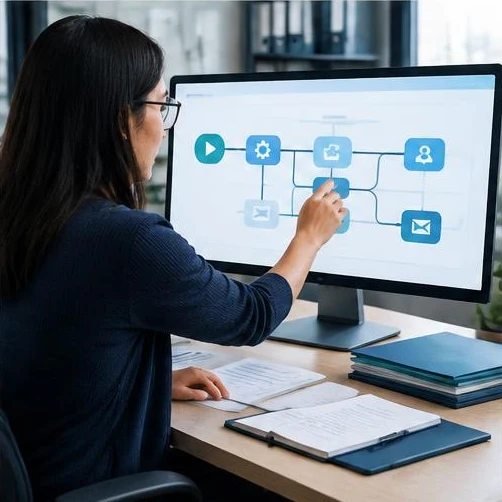
Repeated data entry and disconnected tools create avoidable work. We map your back-office processes and build custom automations that move information between systems while retaining approvals where judgment matters. Each workflow is designed around the way your business operates.
Who It Is For
Local businesses whose team repeatedly copies information between tools or manages intake, quotes, invoices, onboarding, and reports by hand.
Based in Sterling, VA, we work with local businesses across Northern Virginia.
What Is Included
Intake and quoting workflows
Route new requests, collect required details, and prepare quote information using your business rules and approval steps.
Invoicing and onboarding
Connect approved work with finance and onboarding tasks, preserving authorization before consequential actions.
CRM and office integrations
Connect tools such as your CRM, QuickBooks, Google Workspace, and Microsoft 365 where their integration capabilities support the workflow.
Automation platforms and reporting
Build with Zapier, Make, or n8n as appropriate, with monitoring, failure handling, and reporting that make the process maintainable.
How It Works
- 01
Map the current process
Document triggers, data fields, repetitive steps, exceptions, and decisions that need human approval.
- 02
Design the connections
Choose suitable integrations and define permissions, data handling, and failure recovery.
- 03
Build and test
Test representative inputs and edge cases, including duplicate records, missing information, and unavailable tools.
- 04
Launch with monitoring
Activate the agreed workflow, document its behavior, and review failures and reporting with your team.
Common Questions
Connect This Service to Your Business
Tell us about your goals and the systems you use. We will discuss the right next steps for your business.
Contact LogicWorks IT